

Tutorial
Basics Tutorial
See how Pinman tracks, captures, and reconfigures a workstation in a safe, resettable sample project.
Pinman helps people—and the agents working for them—understand and manage computers whose correct setup matters, especially when that setup spans several applications, files, and devices. This tutorial puts that idea to work in one small story. You need no previous Pinman experience or special software.
Your assignment#
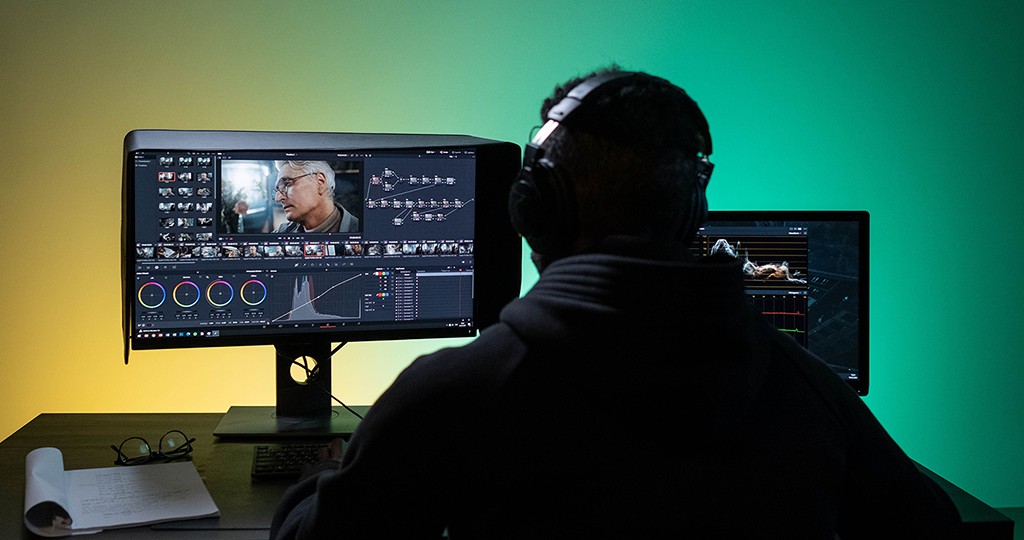
Imagine you’re responsible for a workstation used to produce training videos. Its day-to-day setup is familiar and stable, but the team is now ready to make the final recording—a task that requires reconfiguring several applications. In this tutorial, you’ll work through a distilled version of that workflow and explore some of Pinman’s most powerful features along the way.
Before changing anything, you’ll capture the workstation as it is. Then you’ll watch drift appear as the new settings take shape, see exactly what changed, and note why in the Journal. Once you understand both useful states, you’ll define two Pinman Profiles—Video Editing and Final Recording—and use them to switch the whole workstation with one click.
What to expect#
This is a hands-on tutorial, not a tour of every screen. You’ll use Pinman’s browser interface and a few short PowerShell commands to install, reset, or resume the sample project. Each chapter explains its purpose, starting point, and expected result.
Short chapters and starting points#
The tutorial uses short chapters. Each chapter includes Start from this step, which lets you join the tutorial at that chapter or recover if you get stuck.
The tutorial uses a disposable Pinman project named basics. Its self-contained sample files keep the main exercises isolated from your real applications, documents, and configuration. A clearly marked optional chapter briefly changes Windows master audio and shows how Pinman tracks and applies that live setting.
Read-only mode#
All Pinman projects start in read-only mode. Pinman can inspect system state, but without your explicit authorization it will not modify your user and application data files, Registry values, or Windows settings. Read-only mode does not restrict Pinman’s own writing—its database, extracted copies, temporary files, and backups are written normally. The setting is Machine read-only, on the Config page.
Begin the tutorial#
See the tutorial at a glance, then follow the chapters in order.
Need to install Pinman first? Begin with Getting Started.
Always available offline
Open the guide installed with your tutorial.
The self-contained book includes both reading modes and all screenshots. It requires no internet connection and always matches the installed tutorial version.
pinman tutorial docs basics