Home / Documentation / Machine Technician Mode
Machine The Machine page brings together the computer's device inventory, connectors,
software catalog, system properties, and Windows services.
Use the five tabs to move between these views:
Devices — detected hardware and the Boxes it belongs to.Connectors — video and USB ports, labels, and expected devices.Software — catalog entries and their detection status.System — Windows settings and status grouped by category.Services — Windows services selected for monitoring.
Devices#
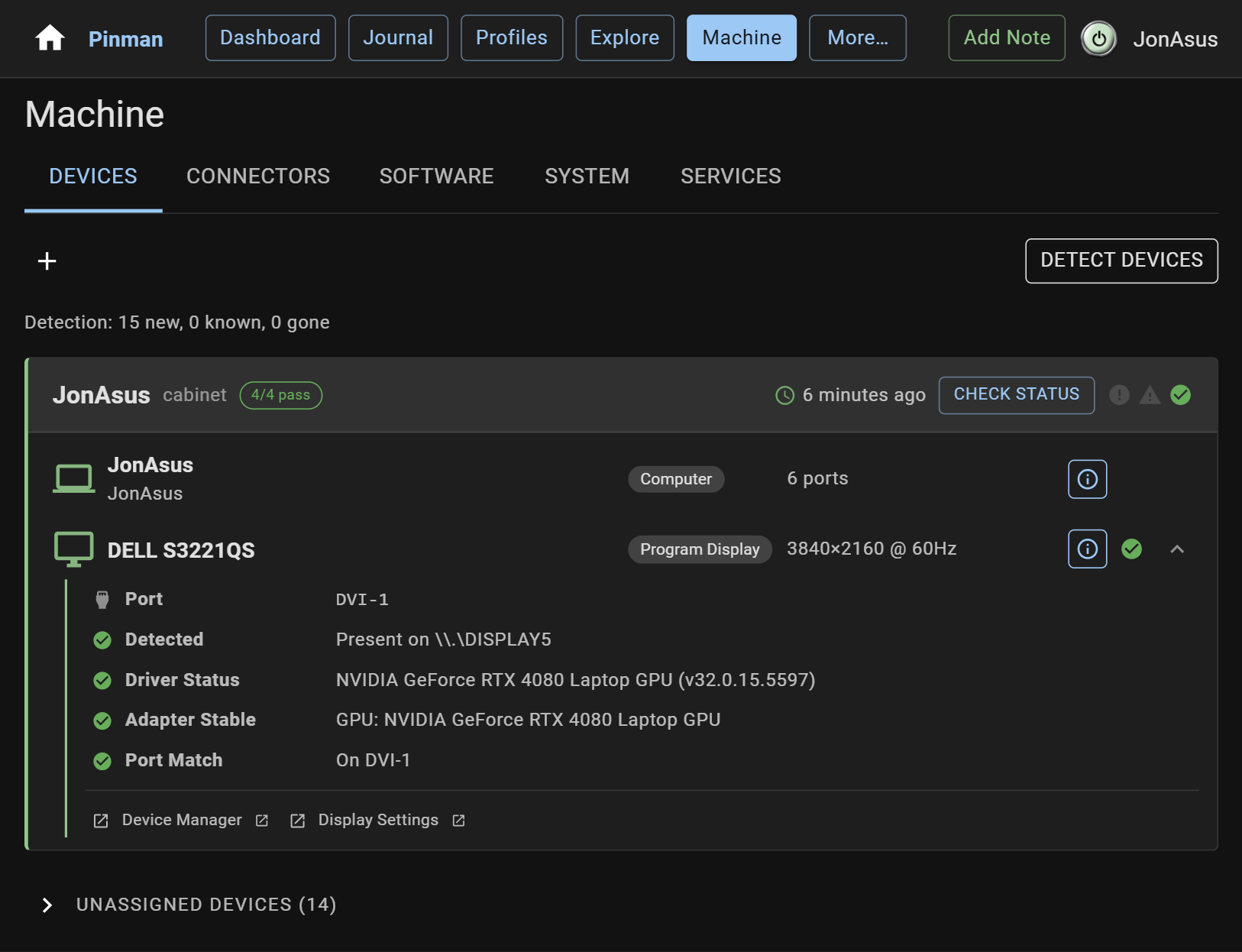
New Box Creates another named hardware configuration for this Machine.
Detect Devices Scans the connected Machine and updates the device inventory.
Active Box Shows the hardware configuration currently in use.
Check Status Compares the active Box with the devices currently connected.
Unassigned Devices Lists detected hardware that has not been added to a Box. Type buttons filter this list.
Inventory Shows inactive Boxes that can be switched into use.
Details Opens the device drawer for identity, status, roles, Box membership, and related actions.
When there is one active Box, the add control on an unassigned device adds it
directly. The detail drawer provides Box membership controls when more choice is
needed.
Connectors#
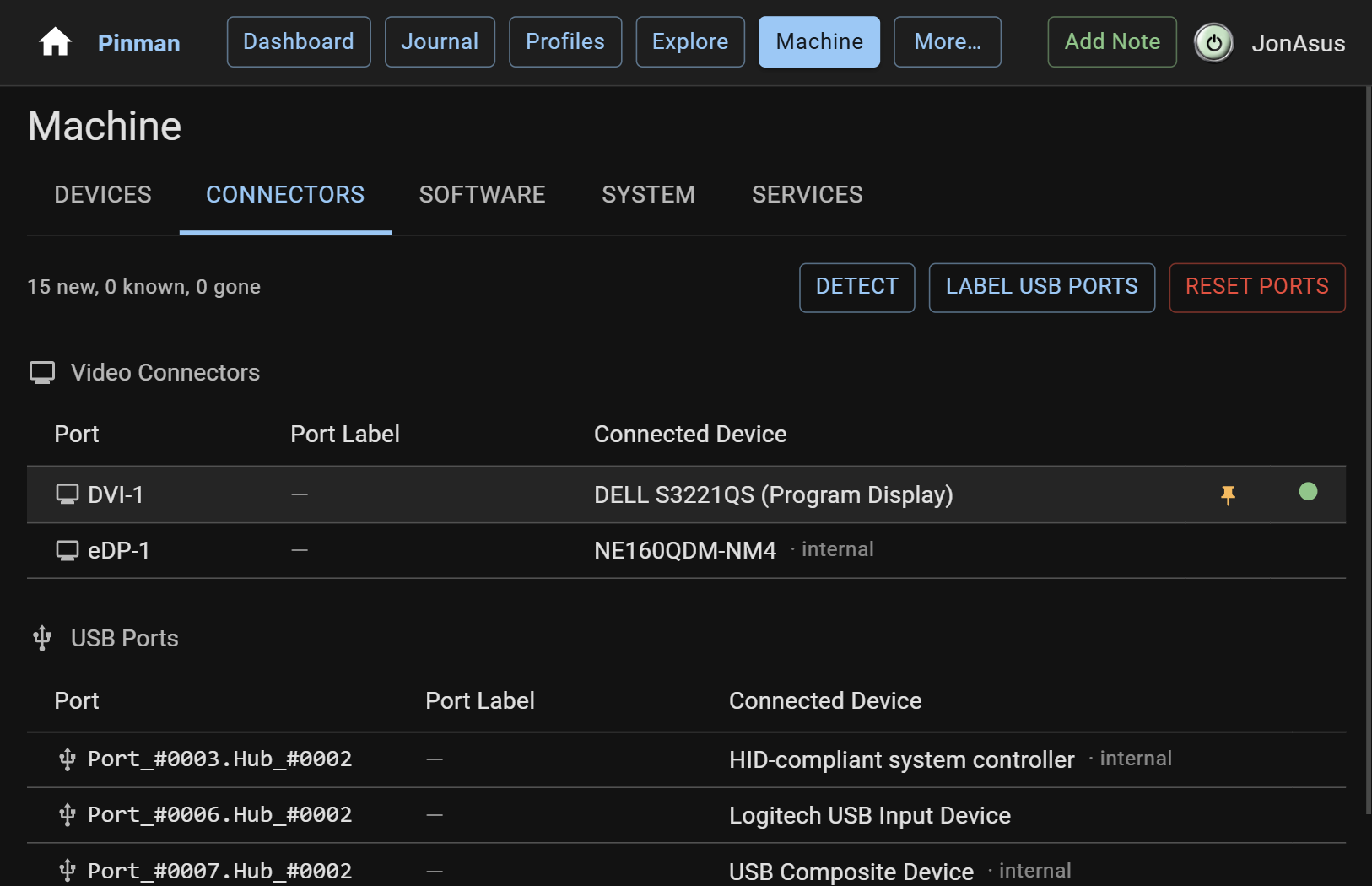
Video and USB tables show the Windows port name, your label, the connected
device, its expected-device pin, and current status.
Detect Scans the Machine and updates connector and connected-device data.
Label USB Ports Walks through the physical USB ports so you can give each one a useful name.
Port Label Edits the saved name for an individual connector.
Expected device Pins the connected device to that port. Clear the pin when the assignment is no longer required.
Status Shows whether the connector and its expected device match the saved arrangement.
Reset Ports Clears saved connector topology, labels, and expected-device assignments after confirmation.
Software#
The Software tab groups available catalog entries and keeps unavailable entries
in a separate section.
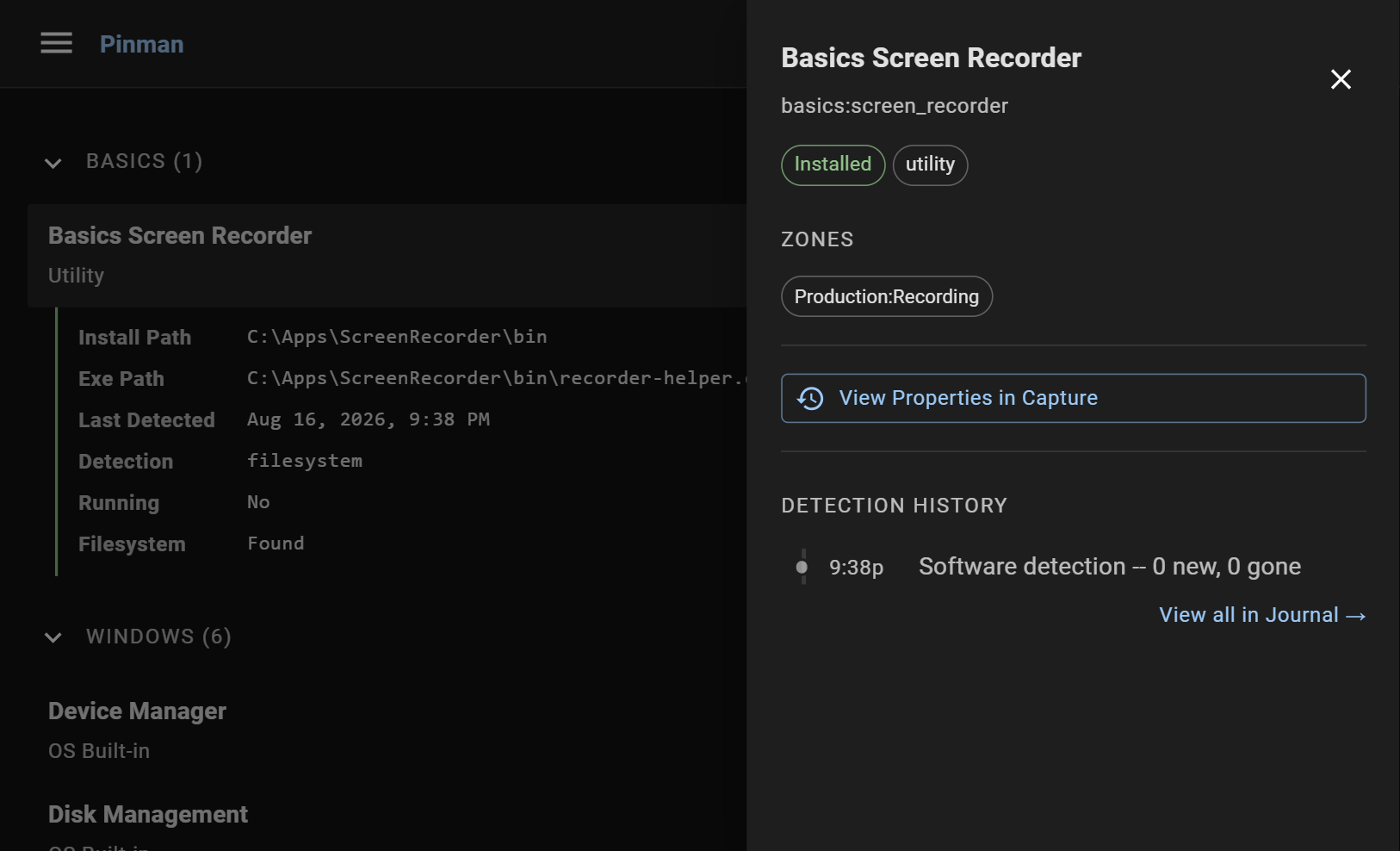
Detect Software Checks catalog entries against the connected Machine.
Expand all Shows or hides the details nested beneath every software entry.
Available / Unavailable Reports whether the software was found during the latest detection.
Launch Starts software that has a launchable executable on the local Machine.
Details Shows paths, version, detection evidence, running state, Zones, history, and related Capture properties.
System#
System summarizes the Windows properties held in the Head, grouped into familiar
hardware and operating-system categories.
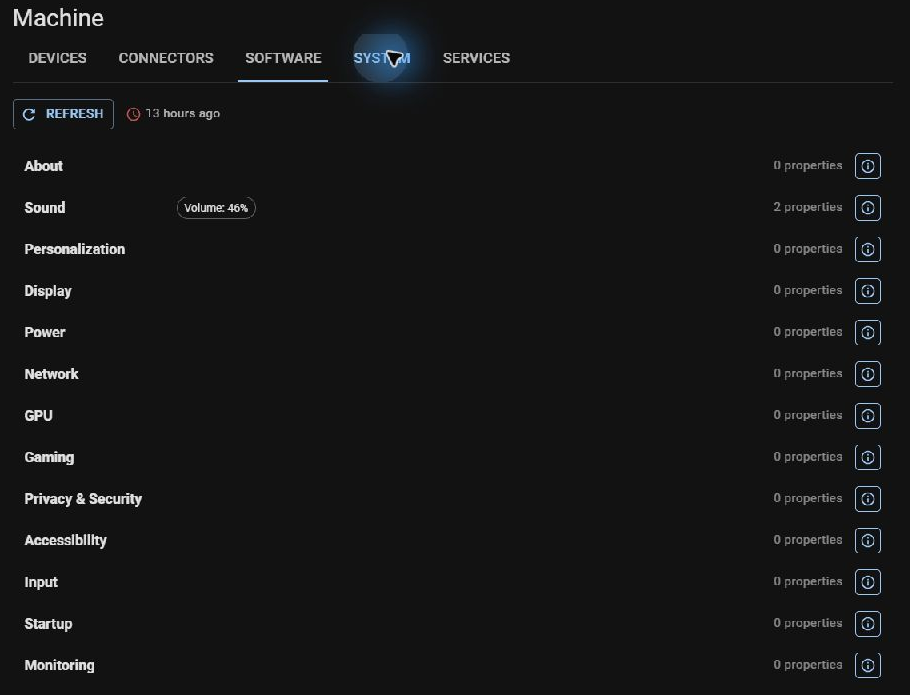
Freshness Shows when these properties were last read from the Machine.
Refresh Reads the system properties again and updates the Head.
Category row Shows selected summary values, property count, and any changed properties.
Details Opens all recorded properties in that category and links to related Items in Explore.
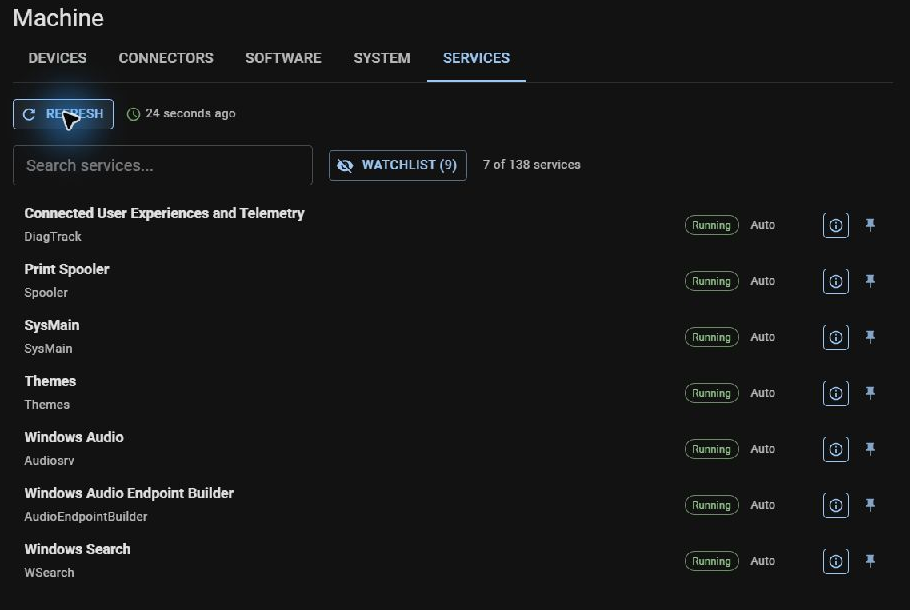
Windows services#
This tab monitors Windows services on the Machine. Pinman's own background
processes are covered separately on the Pinman services page .
Refresh Reads Windows service state and updates the Head.
Search Filters by service name, display name, state, or start mode.
Watchlist / All services Switches between pinned services and the full list.
Pin Adds or removes a service from the watchlist.
Details Shows the service properties held in the Head and links to Explore.